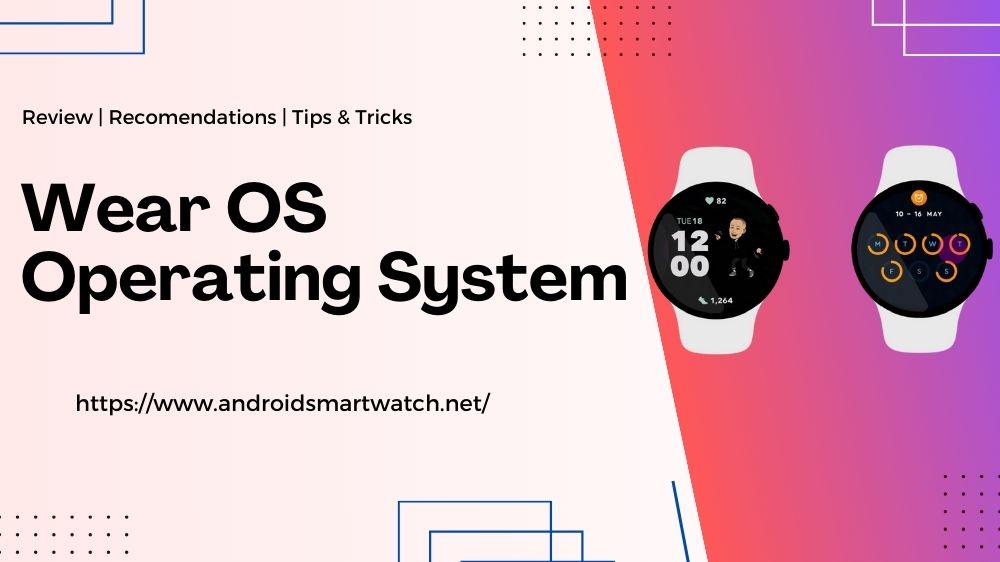
Wear OS is Google’s smartwatch operating system. It used to be called Android Wear. Same platform family, newer name, and a much clearer story for shoppers comparing Galaxy Watch, Pixel Watch, and other Play Store watches.
This is the single Wear OS explainer on Android Smartwatch. Older Android Wear URLs now point here so Google stops splitting the same topic across two thin pages.
If you want shopping rankings instead of OS basics, jump to our best Wear OS smartwatches list.
We only write first person notes after we wear a watch. Feature availability still depends on the phone, region, and exact model.
Quick answer
Wear OS runs apps, notifications, Google Wallet on supported watches, fitness tracking, and voice help on many Android friendly smartwatches. It works best with an Android phone. Some models pair with iPhone with fewer features. Battery is still the common tradeoff versus Garmin or Amazfit style watches.
Android Wear is the old name. If a listing or forum post says Android Wear, it means an earlier Wear OS generation or outdated wording for the same Google watch platform.
Android Wear versus Wear OS
Google launched the platform as Android Wear in 2014. Early watches such as LG G Watch and Samsung Gear Live focused on notifications, voice actions, and basic fitness.
In 2018 Google renamed the platform Wear OS by Google. The rebrand highlighted iPhone pairing goals and a broader wearable story beyond the Android Wear label.
Later generations brought a stronger Play Store on the watch, Google Assistant, better Google services, and the Samsung partnership that moved many Galaxy watches onto Wear OS. Shoppers today should buy current Wear OS models, not hunt for abandoned Android Wear era hardware.
What Wear OS actually does
- Notifications: Read and reply to messages on supported setups without digging out the phone every time.
- Apps: Install watch apps from Play Store on supported Wear OS versions.
- Fitness: Track workouts, heart rate, and daily activity, often with Google Fit or brand apps such as Samsung Health.
- Payments: Google Wallet or Samsung Wallet on compatible models and regions.
- Voice help: Assistant style actions for timers, messages, and quick questions.
- Watch faces: Change the look without changing the whole watch.
LTE models can keep some features when the phone stays behind, subject to carrier plans. Bluetooth models need the phone nearby for full connectivity.
Pros of Wear OS
- Real app store depth compared with many sports watch systems
- Broad hardware choice across Samsung, Google, OnePlus, Mobvoi, and others
- Familiar Google services for Android phone owners
- Ongoing platform updates on supported watches
Cons of Wear OS
- Many models need daily or every other day charging
- iPhone pairing works, with fewer features than on Android
- Performance and battery still vary a lot by brand and chipset
- Not the longest battery answer if you want two weeks between charges
Wear OS versus Garmin, Amazfit, and Apple
Choose Wear OS when apps, Wallet, and Android notifications matter more than multi week battery.
Choose Garmin or Amazfit when training tools and long battery matter more than Play Store apps.
Choose Apple Watch when the phone is an iPhone and you want the deepest Apple software match.
Who should buy a Wear OS watch
Android users who want wrist apps, payments, and rich notifications. Samsung phone owners often land on Galaxy Watch. Pixel owners often land on Pixel Watch. Budget Wear OS shoppers can look at FE class or older OnePlus and TicWatch models while checking update support.
Skip Wear OS if you refuse frequent charging, or if you need a simple GPS sports watch with weeks of battery.
FAQ
Is Wear OS the same as Android Wear?
Yes in platform lineage. Android Wear was the original name. Wear OS is the current name. Buy current Wear OS watches rather than obsolete Android Wear leftovers.
Does Wear OS work with iPhone?
Many Wear OS watches can pair with iPhone for basic notifications. Android phones unlock more features. Confirm the maker’s iPhone support list before you buy.
Is Wear OS better than Tizen?
Samsung moved newer Galaxy watches to Wear OS. Older Tizen Galaxy watches are a different software path. For new buys, current Galaxy Watch models are Wear OS.
Why does Wear OS battery feel short?
Bright AMOLED faces, always on display, LTE, and apps use power. That is normal for phone style watch software. Long battery sports watches usually run a simpler OS.
Use our best Wear OS smartwatches ranking for current picks.
Software names, store apps, and phone limits change by model and region. Verify the current maker support page for the watch you buy.